Explore the World of Bluetooth Technology
Understand Bluetooth fundamentals, discover new features like LE Audio, and learn how to optimize your wireless device connections.
What is Bluetooth?
A wireless standard for short-range communication between devices, enabling seamless and secure data and audio transfer.
Bluetooth Technology Basics
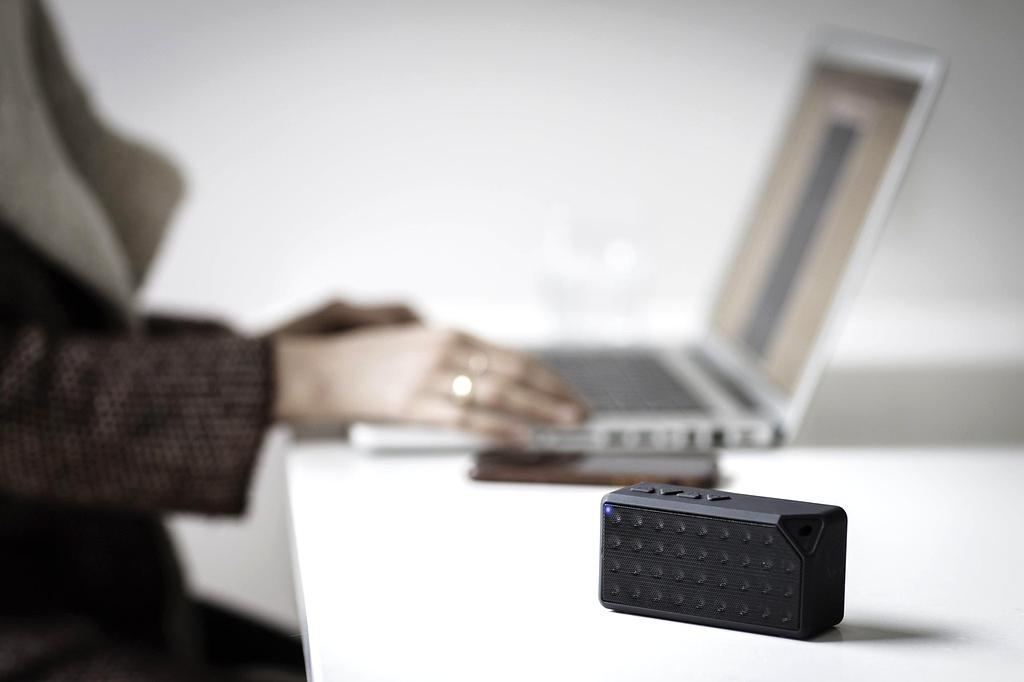
Bluetooth enables devices to connect over short distances (typically 10 meters) using radio waves in the 2.4 GHz spectrum. Ideal for wireless headsets, keyboards, mice, and smart home devices, it provides low-power consumption and reliable connections.
- Secure pairing with encryption
- Supports audio, file transfer, and device control
- Backward compatible across multiple generations
Modern Bluetooth Features
Explore the latest innovations bringing Bluetooth to new levels of performance and usability.
Bluetooth LE Audio
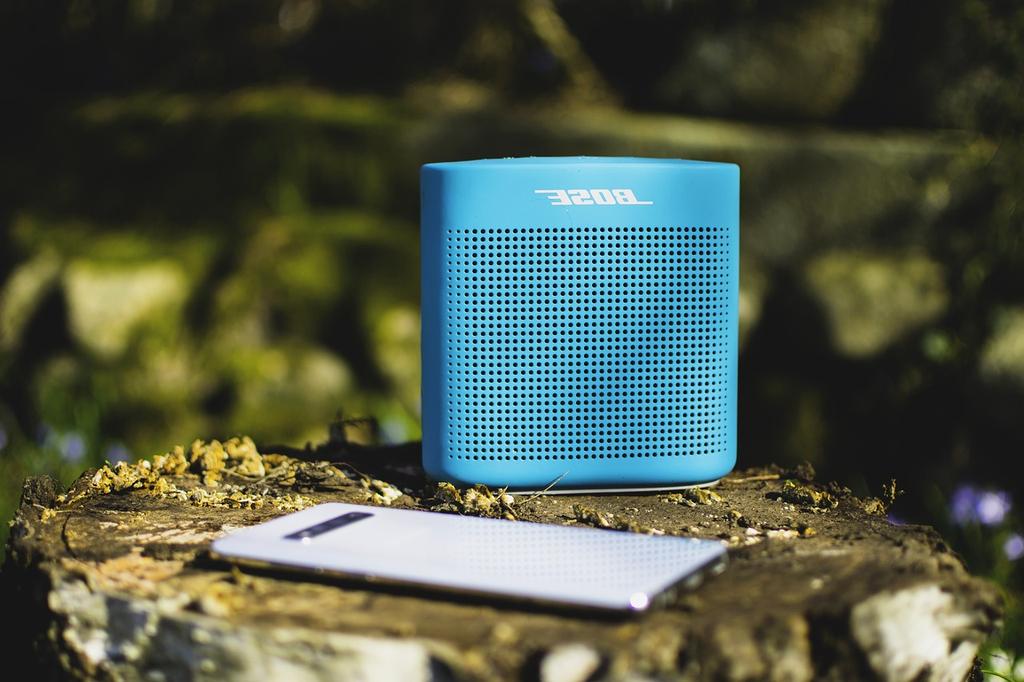
Low Energy Audio technology increases battery life, improves audio quality with the LC3 codec, and supports multi-stream and broadcast audio sharing.
Bluetooth 5.2
Latest core specification with Isochronous Channels support, enhanced attribute protocol, and improved power efficiency for IoT and audio devices.

Bluetooth Mesh Networking
Create large-scale device networks with mesh topology for smart homes, lighting control, and industrial sensor systems.
How to Use Bluetooth
Step-by-step guide to setting up and managing Bluetooth connections on your devices.
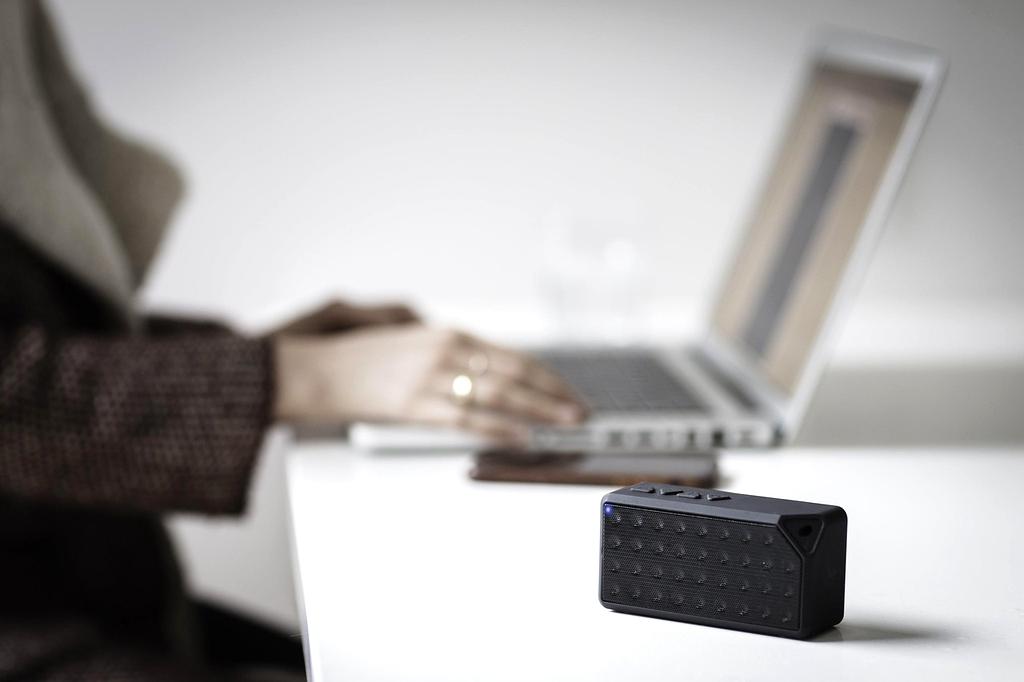
Connecting Your Devices
- Ensure Bluetooth is enabled on both devices.
- Make the device discoverable, usually by entering pairing mode.
- Select the device name from the available list on your primary device.
- Confirm pairing by verifying the code or accepting the connection prompt.
- Enjoy wireless audio, file transfers, or input peripherals seamlessly.
Reserve Your Quantum Connection
Get priority access to next-generation wireless technologies and personalized connectivity solutions